Your Google Business Profile is often the first thing potential customers see. Strong Google Business Profile optimization strategies help you appear in the Local Pack, drive more map views, phone calls, website clicks, and foot traffic. Here’s a clear, mentor-style guide to optimize it effectively.
1. Your profile is incomplete or outdated
An unfinished profile lowers your visibility in local searches.
What you should do
Claim your profile and fill every section: accurate NAP (name, address, phone), business categories, hours, services, and attributes. Keep information 100% consistent.
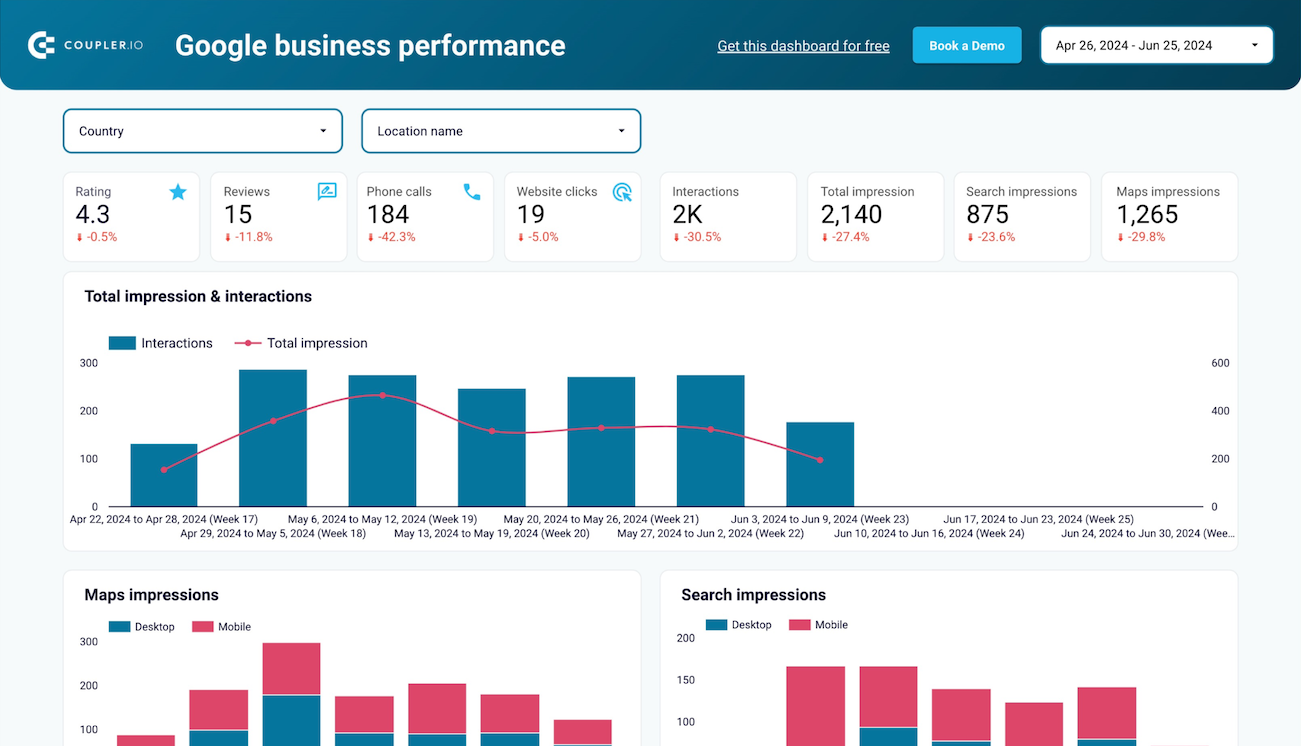
Here’s what a fully optimized Google Business Profile dashboard looks like:
2. You’re not using high-quality photos and posts
Google favors profiles with rich visuals and fresh content.
What you should do
Upload 10+ professional photos (interior, exterior, team, services, before/after). Post weekly offers, events, or tips using semantic keywords like “emergency dental care” or “teeth whitening near me.”
3. Reviews are ignored or poorly managed
Reviews strongly influence local rankings and trust.
What you should do
Encourage genuine reviews after every positive visit. Reply promptly and professionally to all reviews, using natural LSI terms like “patient experience” or “local dental clinic.”
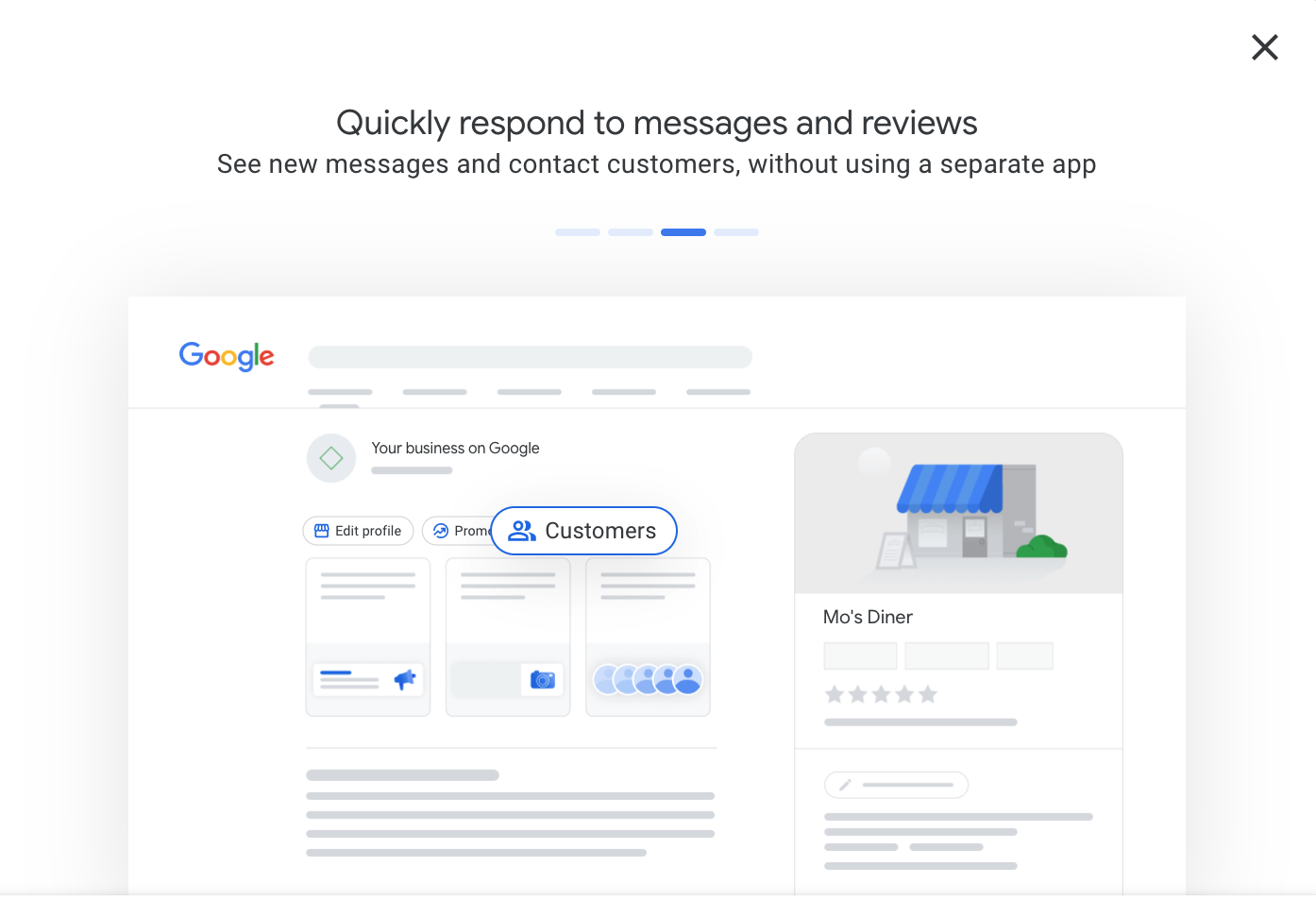
Here’s a well-managed reviews section in Google Business Profile:
4. You miss local keywords and schema signals
Without proper local signals, Google struggles to understand your business.
What you should do
Incorporate location-based keywords naturally in your description and posts. Add LocalBusiness schema markup on your website to reinforce signals.
Here’s how the Local Pack displays optimized businesses:

5. Citations and NAP are inconsistent
Inconsistent data across the web confuses Google and hurts rankings.
What you should do
Build and maintain accurate citations on major directories. Use the same exact name, address, and phone everywhere.
6. You don’t track performance insights
Without data, you can’t improve what matters most.
What you should do
Regularly check Google Business Profile Insights for searches, map views, website clicks, and calls. Focus optimization on what drives real actions.
7. You treat optimization as a one-time task
Local search is dynamic — profiles that stay active rank better.
What you should do
Update hours, respond to reviews, and post regularly. Review insights monthly and adjust strategies based on what performs best.
Quick Action Plan You Can Start Today
- Complete every section of your Google Business Profile.
- Add 10+ high-quality photos and start weekly posts.
- Encourage reviews and reply to all existing ones.
- Fix any NAP inconsistencies across directories.
- Add LocalBusiness schema to your website.
- Check Insights weekly and focus on top actions.
- Maintain consistency and activity every month.
Google Business Profile optimization strategies directly impact your local visibility, trust, and customer acquisition. A well-optimized profile can put you ahead of competitors in the Local Pack.
For official best practices, refer to Google’s guidance: https://support.google.com/business/answer/6300665
Start today by completing and updating your profile — it’s the highest-ROI step for most local businesses. Consistent effort brings more calls, visits, and sales.
What’s your biggest challenge with Google Business Profile optimization right now — photos, reviews, or consistency? Tell me in the comments and I’ll give you tailored tips for your business.
Comments
Post a Comment